Earlier this year, Maria Bacelar, one of LCC’s Digital Learning Champions, shared her project exploring the potential of podcasting in higher education in her blog post Podcasts for Teaching and Learning. Maria went on to explore the different formats of podcasts academics can use in their teaching and learning practice.
Using audio as a teaching tool, whether for delivering content, supporting reflection, encouraging discussion or creating opportunities for student voice, can have many applications.
Different ways to use podcasts
One of the strongest themes that emerged from Maria’s research was that podcasting is about much more than creating polished audio recordings. Podcasts can provide a flexible and accessible way for students to engage with course content, while also creating opportunities for collaboration, creativity and critical reflection.
Participants explored a range of potential applications, including:
- Guest interviews with industry professionals, for example with Laniy Malkani. The student is conducting the interview.
- Student-led discussions and debate, for example a clip from this student discussion of the film Poor Things.
- Revision and recap resources, for example this screen narrative recap of Star Wars.
As learning activities, podcasts can develop planning, researching, and interview skills. They can also help students develop communication, collaboration and critical thinking skills, while engaging more deeply with their subject area.
Learning from practice
Dr. Fotis Begklis from Film and Television shares his experiences of using podcasting with students in the excerpt below. The clip demonstrates how podcasting can create a space for students to engage in open dialogue and explore diverse perspectives, while also being used as a reflective tool.
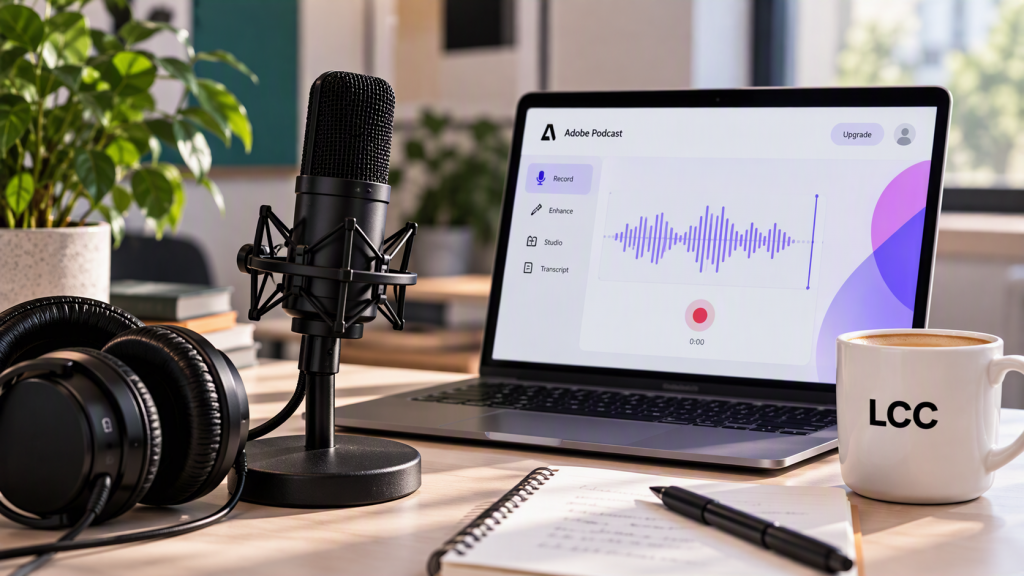
Adobe Podcast
Adobe Podcast provides tools for recording, enhancing and editing audio. It can also generate captions and create shareable audiograms, making it useful for both teaching resources and student-created content.
It’s free to use both for staff and students with a UAL e-mail address. The platform is very intuitive to use and doesn’t require students to learn Adobe Audition or complicated set-ups. The Digital Learning Team will be happy to run training sessions for staff, with the Digital Space providing training for students.
Sharing the podcast
There are several options, but to make it accessible, we recommend converting the audio to a video audiogram, as this will generate captions. It can then be downloaded as a MP4 and submitted through the normal UAL submission platforms or shared on Padlet for peer feedback. The audiogram can also be embedded into Moodle or uploaded to Panopto.
Getting started
If you’re new to podcasting, start small. You don’t need to launch a full podcast series to see benefits in your teaching.
You could try:
- recording a short weekly audio update for students
- creating an audio walkthrough of an assignment brief
- interviewing a colleague or industry guest
- asking students to create a short podcast as a reflective activity
- recording revision discussions that revisit key concepts before assessment.
Starting with a simple, low-stakes activity can help you explore what works best for your students and your subject area.
Continue the conversation
As LCC continues to explore innovative approaches to teaching and learning, podcasting offers an exciting opportunity to diversify course content, support flexible learning and strengthen student engagement.
If Maria’s original blog post inspired you and you’re interested in taking the next step, the Digital Learning Team would love to help. Whether you’re looking to create your first audio resource, embed podcasts within Moodle, or explore podcasting as a learning activity or assessment method, we’re here to support you.
Leave a Reply
You must be logged in to post a comment.