

Whether evaluating a specific intervention or examining closely aspects of a new unit, there are productive ways to evaluate that help teachers develop their practice and at the same time support students’ learning. Creative approaches to evaluation can improve inclusivity while remaining robust.
Based on a research project led by Frania Hall that includes case studies with staff and students, the blog contains a framework, tools and resources to help inspire staff to develop their own embedded evaluative processes which are also meaningful for students. The blog Positive Evaluation shares best practice and key success factors of interventions and ideas for developing pedagogy.
This post explores the digital tools you can use to help support the process of Evaluations as we come to the end of block 1.
Student Experience
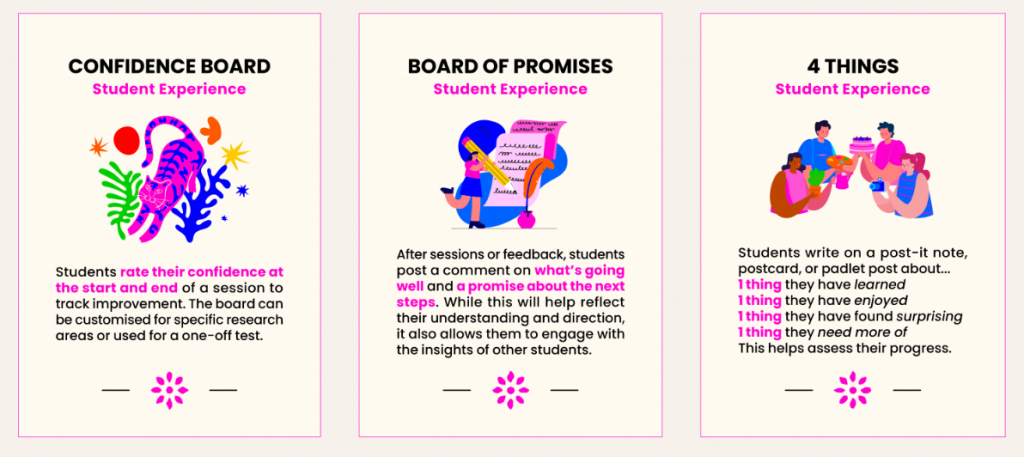
Confidence Board
Students rate their confidence at the start and end of a session to track improvement over the length of the session.
- Mentimeter – Select the ranking or scale question types.
- Padlet – You can use the column layout to compare before and after. Choose if you want to make the posts anonymous or ask students to put their names in order to use the comments as discussions in tutorials.
4 Things
Students write within the digital tool 1 thing they have learned, 1 thing they have enjoyed, 1 thing they have found surprising and 1 thing they need more of. This helps access progress. You can adapt the 4 things depending on the task or skill set.
- Miro – There are lots of templates in Miro. Go to the template icon in a Miro board and search “4 Things”. Then adapt the template for your session.
Board of Promises
After sessions or feedback, students post a comment on what’s going well and a promise about the next steps. While this will help reflect their understanding and direction, it also allows them to engage with the insights of other learners.
- Mentimeter – Use open-ended question types, using two slides – 1) what’s going well, 2) a promise. Participants in Mentimeter are defaulted to be anonymous, but you might choose to change this and have participants add a name. Here is how you can gather names.
- Padlet – Use columns in Padlet if you want to track those promises within discussions during tutorials.
Student Learning
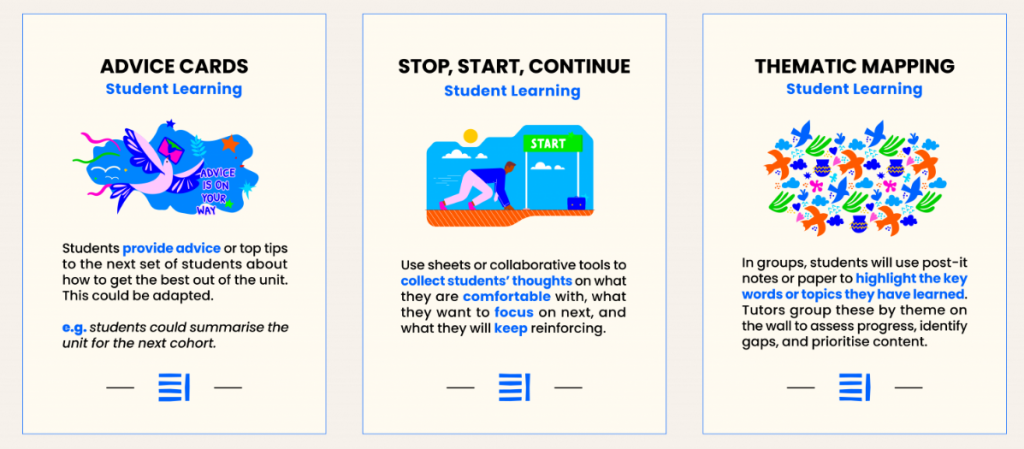
Advice Cards
Students provide advice on top tips to the next set of students about how to get the best out of the unit. This could be adapted.
- Mentimeter – Open-ended questions.
- Miro – Use the sticky notes in a frame.
- Padlet – Students can express themselves using the range of functions, such as video recordings, sound, gifs, drawing or pictures. This is inline with Universal Design for Learning principles.
Stop, Start, Continue
Collect students’ thoughts on what they feel comfortable with, what they want to focus on next and what they will keep reinforcing.
- Miro – Has a template for this.
- Padlet – Name each column: Stop, Start and Continue.
Thematic Mapping
Using the digital tools to map key words or topics the students have learnt. The responses can be grouped to identify themes using build-in AI Tools.
- Thematic Mapping
- Mentimeter – You can use Word-cloud questions or open-ended.
- Miro – Use sticky notes and then use the Miro AI tools to summarise and pick out the key themes.
Student Journey
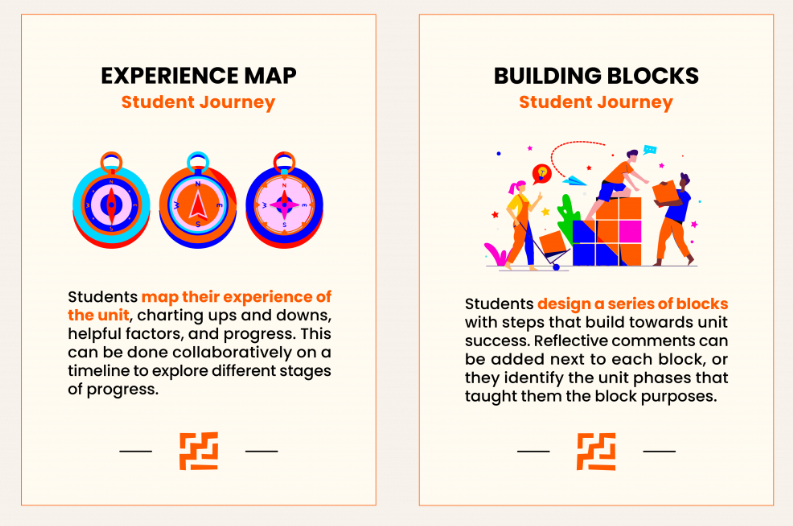
Experience Map
Students map their experience of the unit, charting ups and downs, helpful factors, and progress. This can be done collaboratively on a timeline to explore different stages.
- Padlet – Use the timeline layout. Students can add points on the timeline. Turn on the comments and reaction functions to allow for individual reflections. Students can also express themselves in different formats: audio, video, images or drawing.
Building Blocks
Students design a service of blocks with steps that build towards unit success. Reflective comments can be added next to each block.
- Miro – Create frames that are different sizes and arrange from small to large in order.
If you need any support or would like to book a training session on Mentimeter, then please contact the Digital Learning Team – lccdigitallearning@lcc.arts.ac.uk