Author: Anuradha Roy
-
Create accessible documents using Apple Pages and Keynote.
What is digital accessibility? Digital accessibility means removing barriers to access in the digital world. Digital accessibility helps people understand digital documents, activities and platforms who have a range of disabilities, as well as assistive technology and neuro-divergent needs. For example, people with dyslexia often rely on clear headings, high…
Written by
-
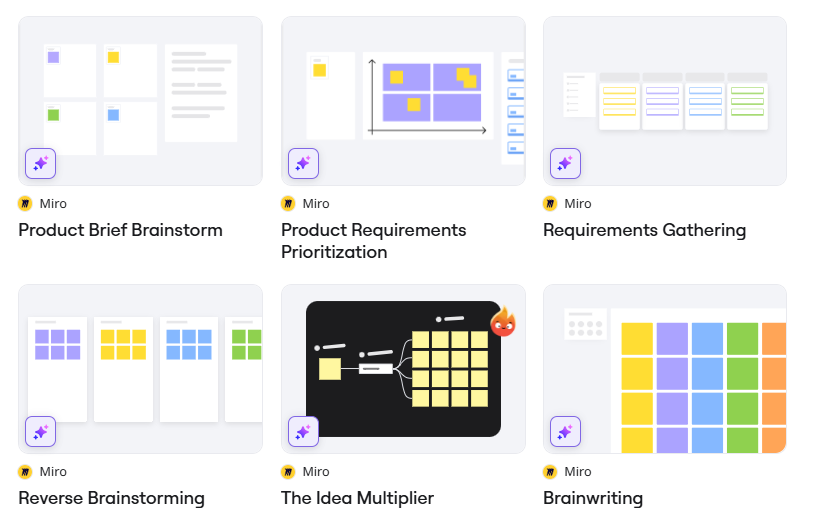
4 ways to use Miro in your teaching
Miro is an infinite, freeform whiteboard that enables you to create content anywhere you want on the board. It features live cursor tracking to mimic the effect of working side by side even when everyone is apart. You can find out more about using Miro at UAL with this PDF…
Written by
-
3 creative ways to use Padlet
Padlet is a highly visual, collaborative tool a lot like a virtual cork board. Users can upload images, audio, and video and create an environment rich with shared resources. It is very useful for both synchronous and asychronous activities which can facilitate online learning. These can strengthen the connections between…
Written by