Author: Sheila Smith
-
Digital Learning Champion: AI’s Impact student learning, teaching, and assessment in Arts and Design higher education
Slavi Kaloferov What is your Project? My fascination with cutting-edge technology, combined with my love for the university environment and my passion and specialization in (improving) user experiences, drew me towards the role of Digital Learning Champion. During conversations with my mentor, Lee Leewis, the concept of exploring ChatGPT in…
Written by

-
Digital Learning Champion: Improve collaboration with students across different across courses in LCC
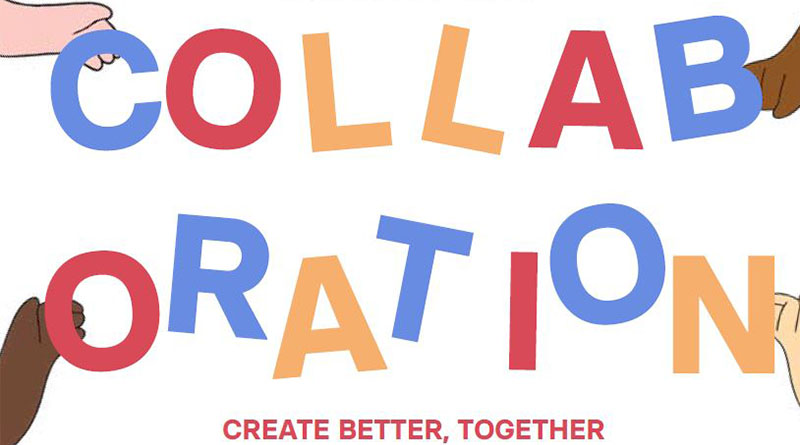
Hazel Yeo What is your Project? I was inspired to start this project as whenever I walk around LCC, there are many flyers on the bulletin board, of students asking for collaboration for their projects. This is a digital learning project where I am trying to use online learning to…
Written by
-
Different ways to record your presentations
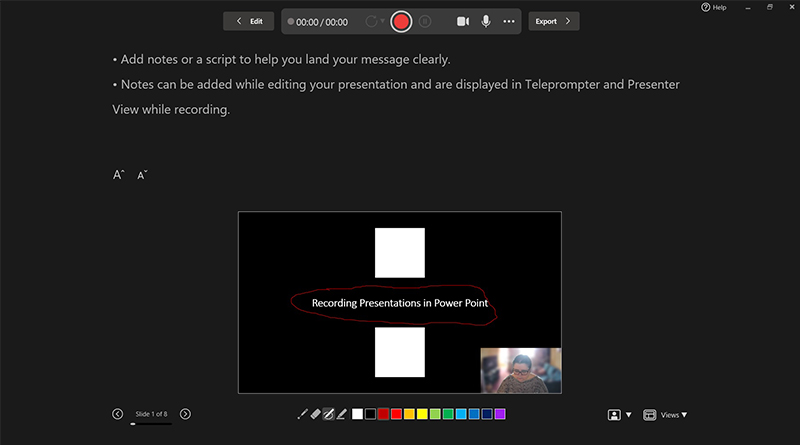
You’ve completed your PowerPoint, you’ve run your accessibility checks, and you’re about to save and upload it to Moodle, but have you considered saving it as a video? Educational videos have been shown to increase retention and engagement, particularly instructional videos. PowerPoint has some powerful options to add video and…
Written by
-
Learning with QR Codes
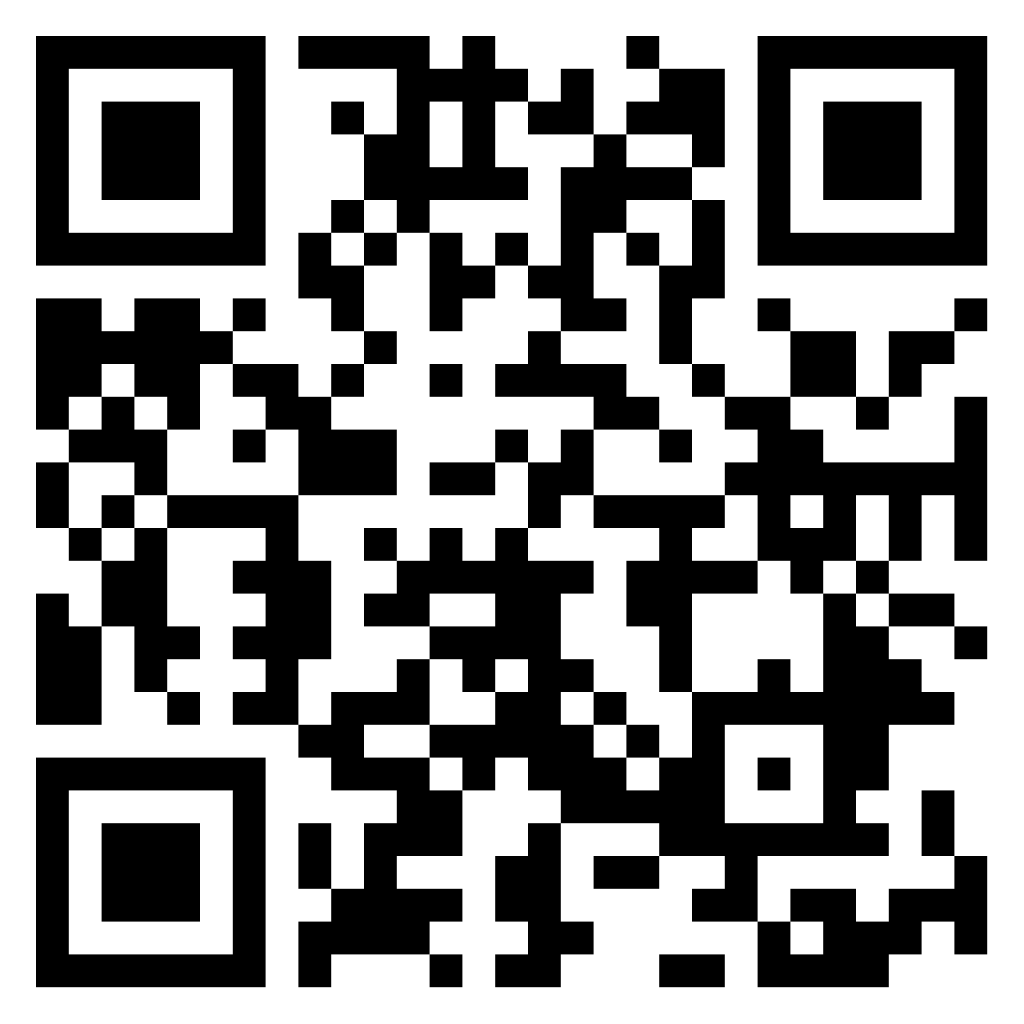
QR code or Quick Response Code was developed In 1994, by Japanese company DENSO WAVE. This kind of barcode can be scanned by smart phones to link to a webpage. It’s also really easy to generate a QR code like the one in the main image for this article. If…
Written by
-
Student Digital Learning Champions – The Results
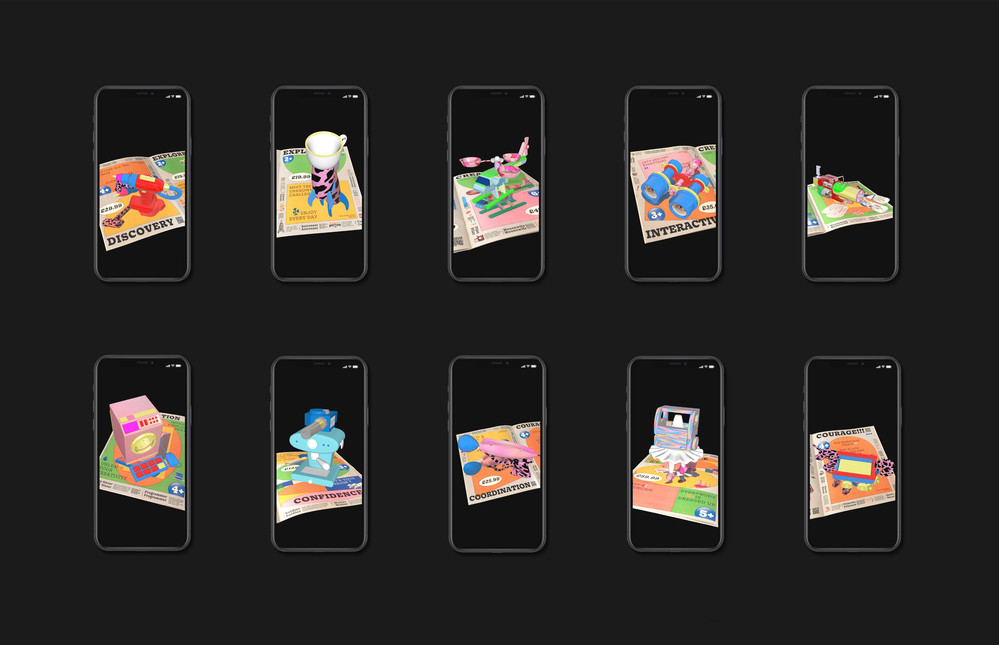
21/22 academic year saw the first cohort of Student Digital Learning Champions working with the LCC Digital Learning team. This was an enriching experience for both us and the students. The legacy of their projects, we want to keep alive in the coming academic year. Four Champions worked on 4…
Written by
-
Ally: Digital Accessibility in Moodle
Digital accessibility is an essential component for an inclusive approach to teaching online. As Moodle is a website it must align with WCAG 2.2 Level AA guidelines. Our learning material must be digitally accessible so that it can be used by everyone, especially disabled and neurodiverse students, approximately 25% of…
Written by

-
Asynchronous Learning In Moodle
Asynchronous learning activities don’t require students to be online at the same time. For example: Writing a private reflection Watching a video Collaboratively editing a shared online document Giving peer feedback Participating in a forum discussion Asynchronous learning activities give students flexibility and provide extra time to process, practice, reflect…
Written by

-
Colour Change
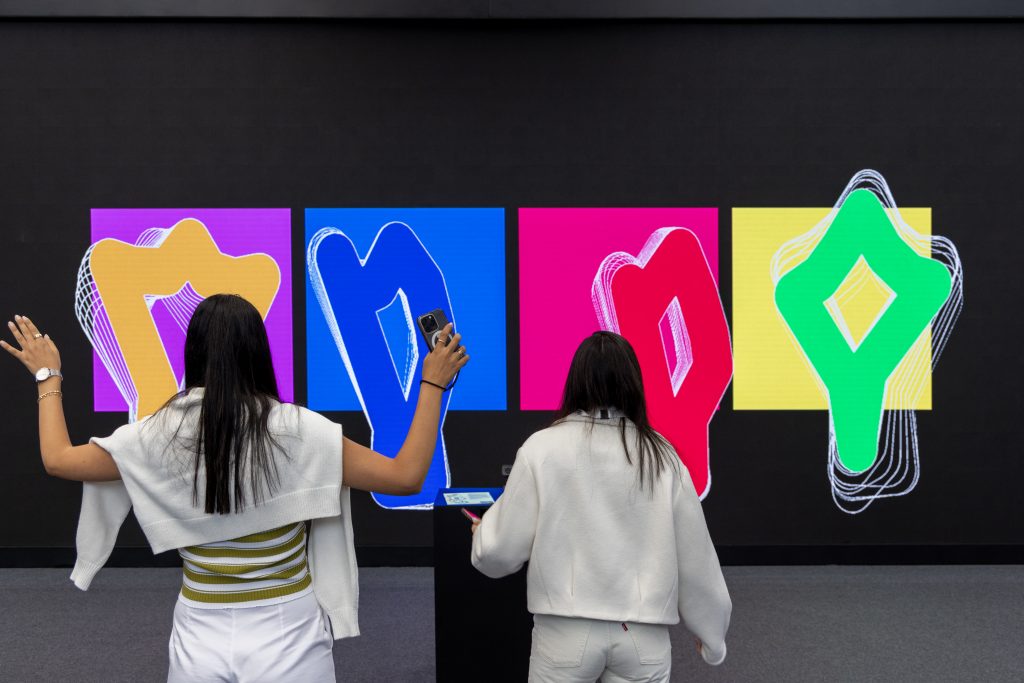
18.5% of students have declared a disability at UAL which is higher with the national figure of 16%. The number of people working in the creative industry who are neurodiverse is even higher with some reports doubling the figure to 32%. This is a 3rd of the work force that…
Written by
-
Make Accessibility a Habit: PDF Files
The predominant file type on Moodle is PDF. In 2021, there we as many as 10,821 PDFs on LCC Moodle sites alone, which is roughly equivalent to 16 PDFs per site! Providing we have carried out the accessibility checks and followed good practice with Word documents and PowerPoint presentation slides…
Written by

-
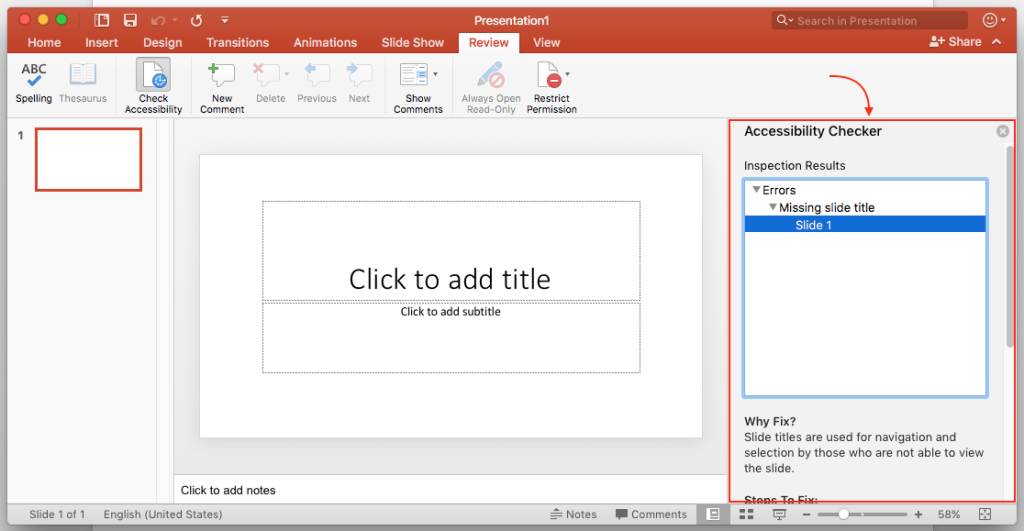
Make accessibility a habit: Power Point
As with Word documents you ensure your PowerPoint presentations are accessible. If you follow a few simple guidelines during the design process your presentations will be easier to read and process for everyone. In this blog post we are going to look at the following; Font Size The recommended font…
Written by