
Category: Digital Learning
The latest digital learning articles
-
Capitalise on Captions
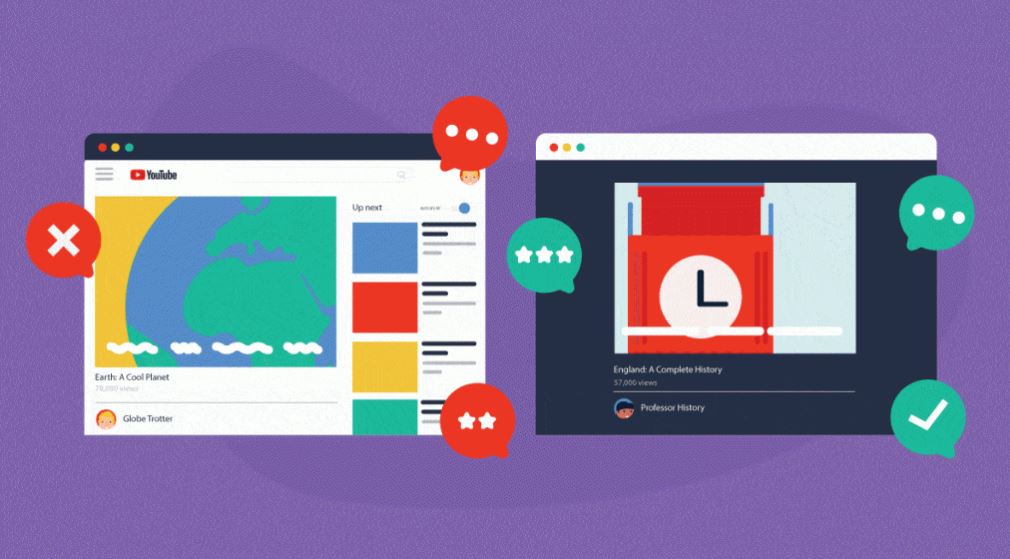
Captions for video content are embedded into everyday media consumption such as YouTube, Netflix and other social media platforms. As much as 92% of videos on mobile devices are viewed without sound. When students come into learning environments they have the expectation of captions on their educational media. It is…
Written by
-
Using Microsoft Whiteboard in Teams
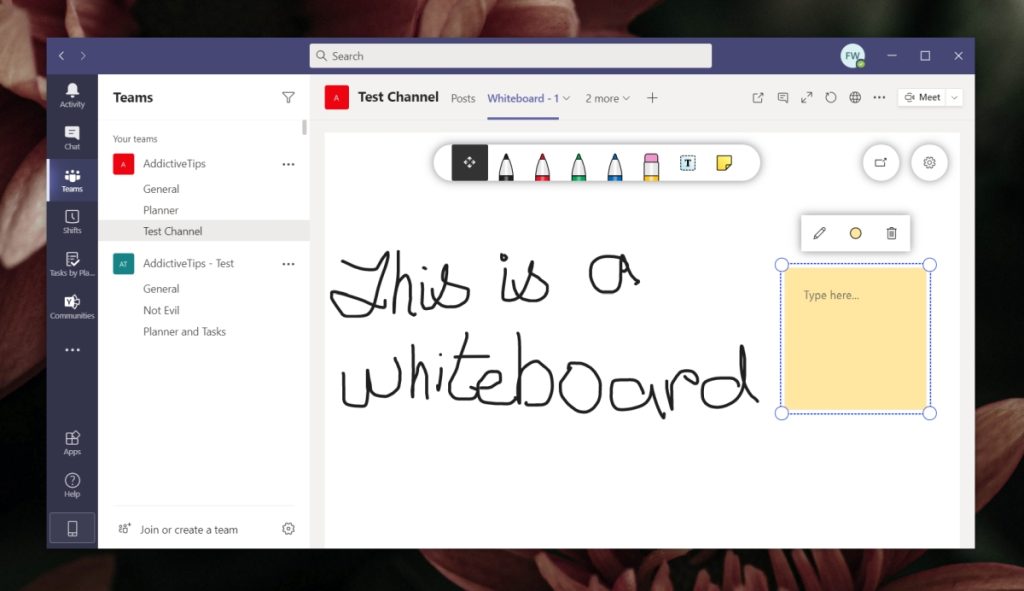
It can be a bit annoying coming out of teams to go to another platform such as whiteboard. Sharing links and waiting for people to open browsers can slow down the flow of a lesson. Now Whiteboard has full integration. If you want to do some quick ideas capture, discussion…
Written by
-
Make accessibility a habit: Word Documents
Making your documents more accessible is not just about running them through accessibility checkers, it’s about making it a habit. If you only run your documents through an accessibility checker, then you are only doing half the job. You need to write and design for everyone, including the layout and…
Written by

-
Digital Learning Platforms Support for Students
About The Digital Space The Digital Space is an open-plan, creative IT hub set up with specialist software. It is located in WG26 on the ground floor of the Workshop Block. LCC students can now get in-person support for using UAL’s Digital Learning platforms from staff in The Digital Space.…
Written by

-
Make text reader software your best friend
Most people associate text reading software with those with additional learning needs or visual impairments. These simple and often embedded tools can be used more widely, especially for those with neurodiversity needs. We have all been spending more time in front of a computer screen since the pandemic hit. According…
Written by

-
How to record lectures
Capturing a video or audio of your on site lectures or online sessions is a key tool for helping your students digest the information and guidance you are giving them. To explore why you should consider using video capture for all or part of your sessions, see the post in…
Written by

-
Why Record Lectures?
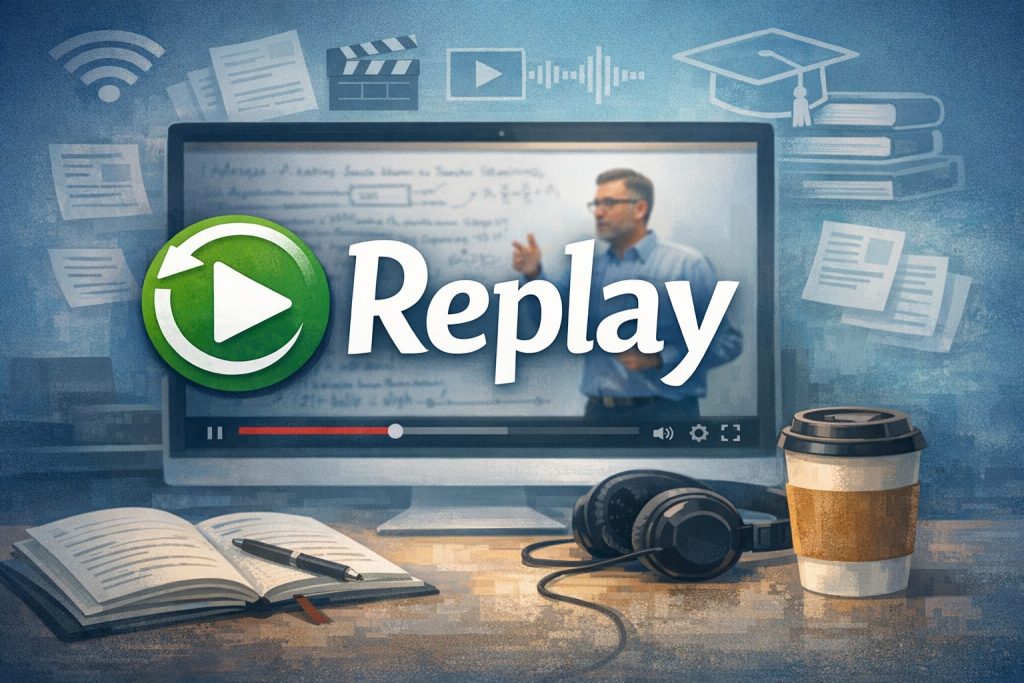
Recording lectures and other synchronous sessions supports effective self-regulation of learning, offering clear benefits to all students. Recordings should primarily be seen – and described to students – as resources to supplement attendance at live sessions (on-site or online). For Autumn 2021-22, recordings will also help support students with COVID-Related…
Written by
-
LCC Digital Learning Team
Sheila Smith, Senior Digital Learning Coordinator Sheila has spent 20 years in the FE sector with most of them at Lambeth College and has an MA in Radio from Goldsmiths College. As well as teaching radio, journalism, photography and media Sheila was part of the teaching and learning team. In…
Written by
-
Assignment Submissions 2025-26
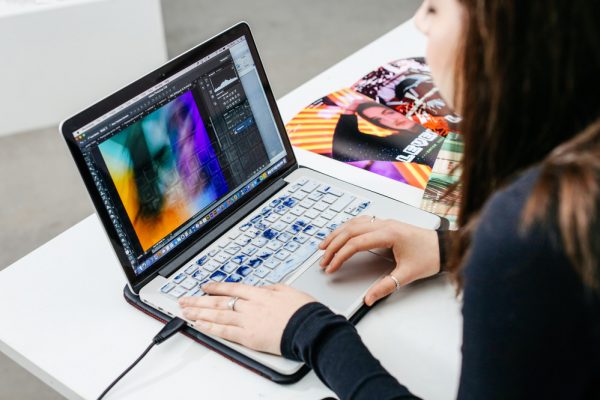
Assignments must be collected online wherever possible. All summative submissions must be through one of these UAL digital learning platforms: Moodle, Turnitin, Workflow, Panopto or Microsoft Office 365. Submission methods are specified by the course team in the Unit Assignment documents (see our Guide on Teaching and Learning Resources). The…
Written by
-
Online Learning and Copyright
On January 29th, 2021 Chris Morrison and Dr. Jane Secker ran a Copyright workshop for members of UAL. Dr Jane Secker & Chris Morrison are two of the leading experts in digital copyright and it’s application to teaching and learning in Higher Education. Chris Morisson is the copyright, licencsing and…
Written by