Category: All Articles
Recent articles about teaching and learning at LCC
-
Student Digital Learning Champions – The Results
21/22 academic year saw the first cohort of Student Digital Learning Champions working with the LCC Digital Learning team. This was an enriching experience for both us and the students. The legacy of their projects, we want to keep alive in the coming academic year. Four Champions worked on 4…
Written by
-
Ally: Digital Accessibility in Moodle
Digital accessibility is an essential component for an inclusive approach to teaching online. As Moodle is a website it must align with WCAG 2.2 Level AA guidelines. Our learning material must be digitally accessible so that it can be used by everyone, especially disabled and neurodiverse students, approximately 25% of…
Written by
-
Asynchronous Learning In Moodle
Asynchronous learning activities don’t require students to be online at the same time. For example: Writing a private reflection Watching a video Collaboratively editing a shared online document Giving peer feedback Participating in a forum discussion Asynchronous learning activities give students flexibility and provide extra time to process, practice, reflect…
Written by

-
Colour Change
18.5% of students have declared a disability at UAL which is higher with the national figure of 16%. The number of people working in the creative industry who are neurodiverse is even higher with some reports doubling the figure to 32%. This is a 3rd of the work force that…
Written by
-
Helping Students with Digital Submissions
Have you received a ‘help‘ email from a student trying to submit their work online? Here’s how you can help: The Digital Space When to recommend the student contact The Digital Space Is the student having difficulty uploading their work? Does the student need help condensing their file? Did the…
Written by
-
Make Accessibility a Habit: PDF Files
The predominant file type on Moodle is PDF. In 2021, there we as many as 10,821 PDFs on LCC Moodle sites alone, which is roughly equivalent to 16 PDFs per site! Providing we have carried out the accessibility checks and followed good practice with Word documents and PowerPoint presentation slides…
Written by

-
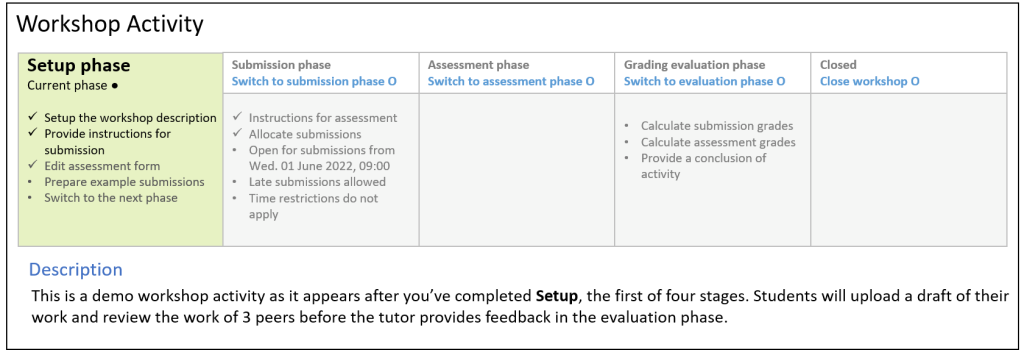
Using Moodle Workshops for peer and self-assessment
This article introduces the Moodle Workshop, a powerful tool for formative assessment, peer-feedback, and self-evaluation. Many of us are either thinking it or have heard it mentioned before – formative feedback. For those who aren’t familiar, formative feedback is any form of feedback given prior to an assessment which helps…
Written by
-
3 creative ways to use Padlet
Padlet is a highly visual, collaborative tool a lot like a virtual cork board. Users can upload images, audio, and video and create an environment rich with shared resources. It is very useful for both synchronous and asychronous activities which can facilitate online learning. These can strengthen the connections between…
Written by
-
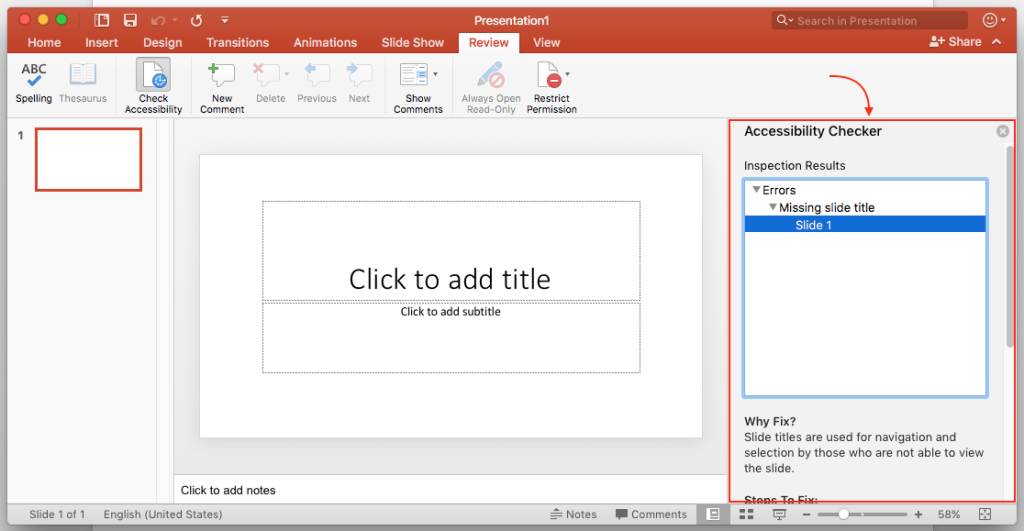
Make accessibility a habit: Power Point
As with Word documents you ensure your PowerPoint presentations are accessible. If you follow a few simple guidelines during the design process your presentations will be easier to read and process for everyone. In this blog post we are going to look at the following; Font Size The recommended font…
Written by
-
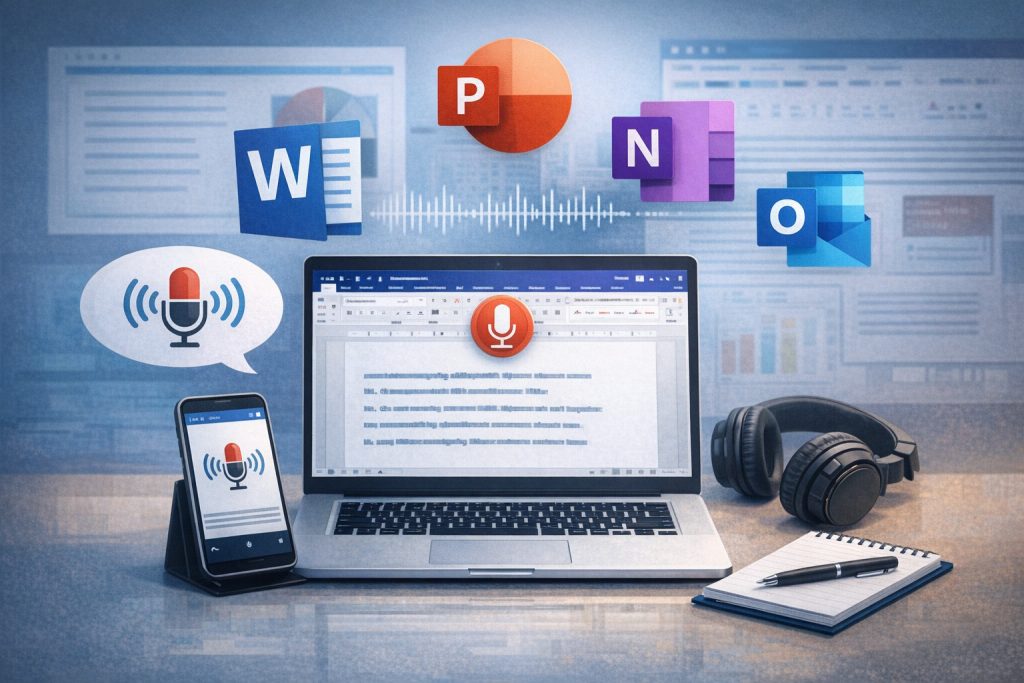
Integrated Dictation Tools
Dictation or speech-to-text is an often forgotten about tool. If you or your students are visually impaired, or you find it useful to verbally express your thoughts or for notetaking, then it’s worth exploring dictation tools. It can also be used for giving formative feedback on word and presentation documents.…
Written by