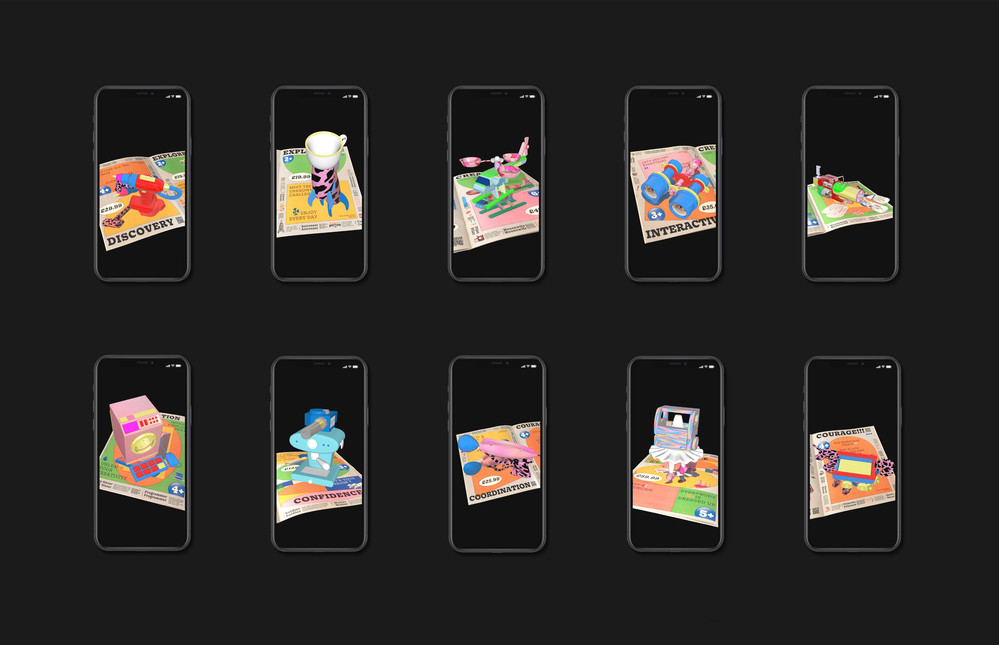
Category: Digital Learning
The latest digital learning articles
-
Digital Learning Champions: How online lectures can be made more engaging.
Kanika Kalra What did I do Having completed my undergraduate education pre-pandemic, my MA at LCC is the first time I experienced online lectures. I had attended endless work meetings online during the pandemic, but this was the first time I experienced a virtual lecture environment and noticed that almost…
Written by

-
Digital Learning Champion: AI’s Impact student learning, teaching, and assessment in Arts and Design higher education
Slavi Kaloferov What is your Project? My fascination with cutting-edge technology, combined with my love for the university environment and my passion and specialization in (improving) user experiences, drew me towards the role of Digital Learning Champion. During conversations with my mentor, Lee Leewis, the concept of exploring ChatGPT in…
Written by

-
Digital Learning Champion: Improve collaboration with students across different across courses in LCC
Hazel Yeo What is your Project? I was inspired to start this project as whenever I walk around LCC, there are many flyers on the bulletin board, of students asking for collaboration for their projects. This is a digital learning project where I am trying to use online learning to…
Written by
-
Create accessible documents using Apple Pages and Keynote.
What is digital accessibility? Digital accessibility means removing barriers to access and understand digital documents, activities and platforms by people who have a range of neuro-divergent needs and learning disabilities. For example, people with dyslexia often rely on clear headings, high contrast colours, and uncluttered backgrounds to help them navigate…
Written by
-
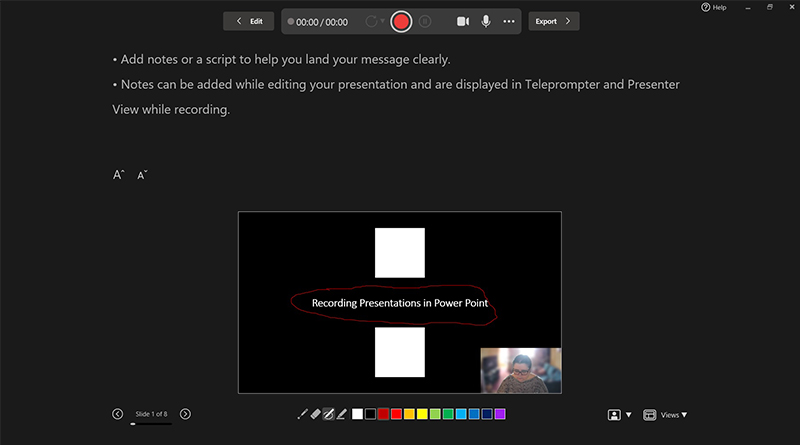
Different ways to record your presentations
You’ve completed your PowerPoint, you’ve run your accessibility checks, and you’re about to save and upload it to Moodle, but have you considered saving it as a video? Educational videos have been shown to increase retention and engagement, particularly instructional videos. PowerPoint has some powerful options to add video and…
Written by
-
Achieve a 90% accessibility score this term
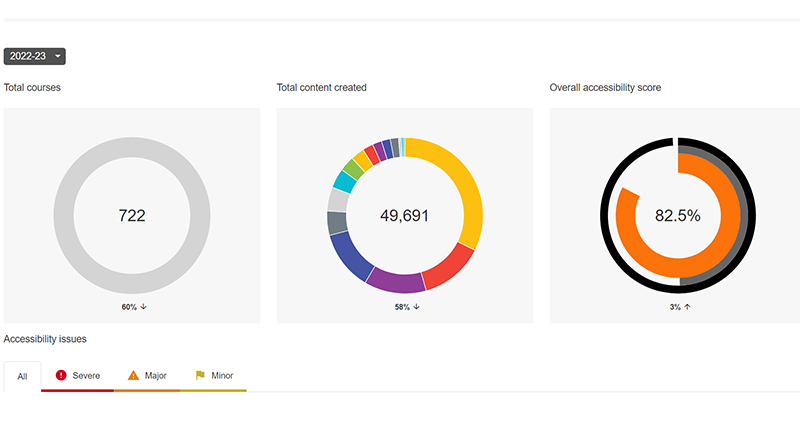
LCC has set an ambitious target of 90% accessibility for all it’s Moodle sites. The score is gathered by Ally, a plug-in that assesses the accessibility of documents, text, images, and videos on Moodle. The college’s goal is to reach this 90% before the end of the spring term. The…
Written by
-
Accessibility: The Moodle Text Editor (Atto)
Ally, UAL’s digital accessibility checker, automatically checks your documents on Moodle for accessibility improvements, but did you know it also checks the text on your Moodle page? Approximately 30% of all accessibility issues on LCC Moodle sites are caused by the text we add through Moodle’s text editor tool, Atto…
Written by

-
Learning with QR Codes
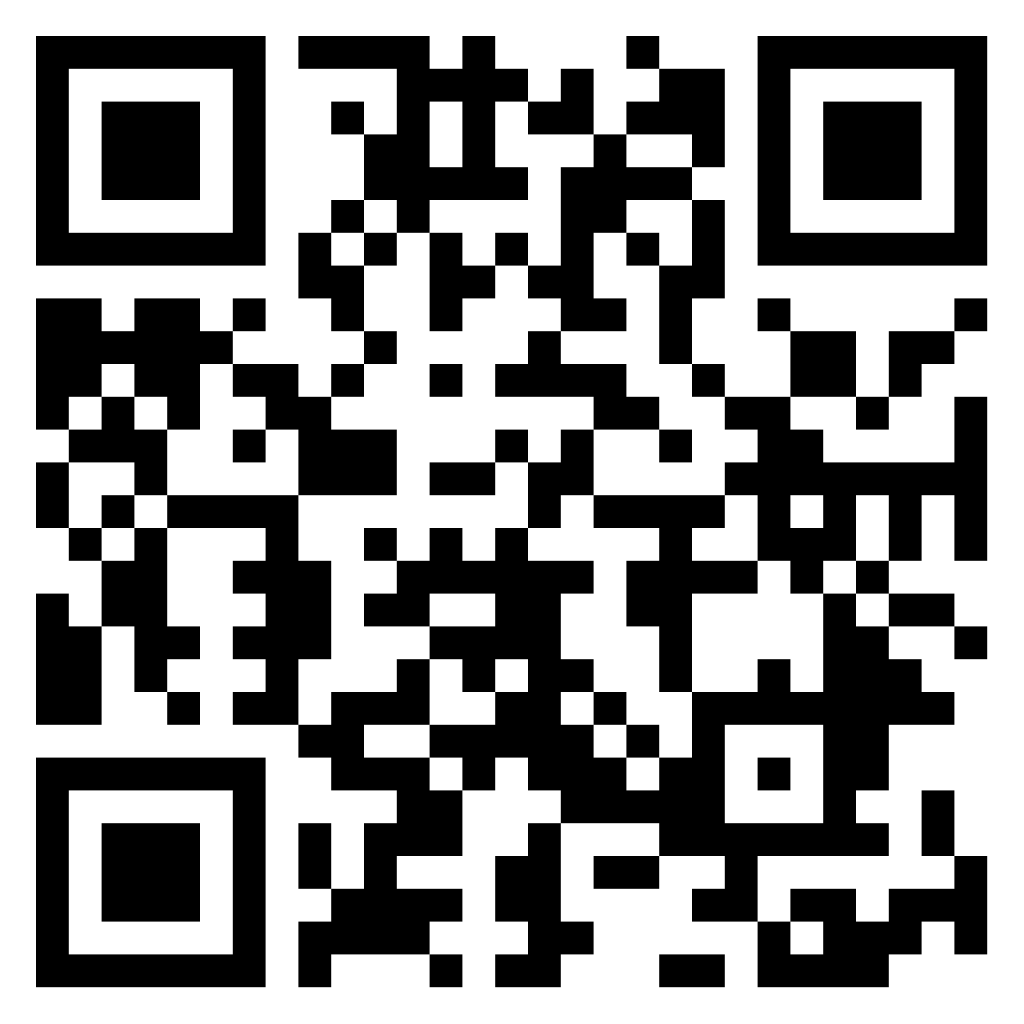
QR code or Quick Response Code was developed In 1994, by Japanese company DENSO WAVE. This kind of barcode can be scanned by smart phones to link to a webpage. It’s also really easy to generate a QR code like the one in the main image for this article. If…
Written by
-
Latest features in Collaborate ULTRA
Gallery view Collaborate Ultra has introduced a new way of viewing participants – the Gallery view. Gallery view allows Moderators, Presenters, and Participants to see up to 25 participants at a time or to zoom in on fewer videos. Attendees can also scroll through as many as 250 active cameras…
Written by

-
Student Digital Learning Champions – The Results
21/22 academic year saw the first cohort of Student Digital Learning Champions working with the LCC Digital Learning team. This was an enriching experience for both us and the students. The legacy of their projects, we want to keep alive in the coming academic year. Four Champions worked on 4…
Written by