
Category: Digital Learning
The latest digital learning articles
-
4 ways to use Miro in your teaching
Miro is an infinite, freeform whiteboard that enables you to create content anywhere you want on the board. It features live cursor tracking to mimic the effect of working side by side even when everyone is apart. You can find out more about using Miro at UAL with this PDF…
Written by

-
Colour Change
17% of students have declared themselves as being Dyslexic at UAL which is on par with the national figure of 16%. However the number of people working in the creative industry who are neurodiverse is higher with some reports doubling the figure to 32%. Which is a 3rd of the…
Written by

-
Helping Students with Digital Submissions
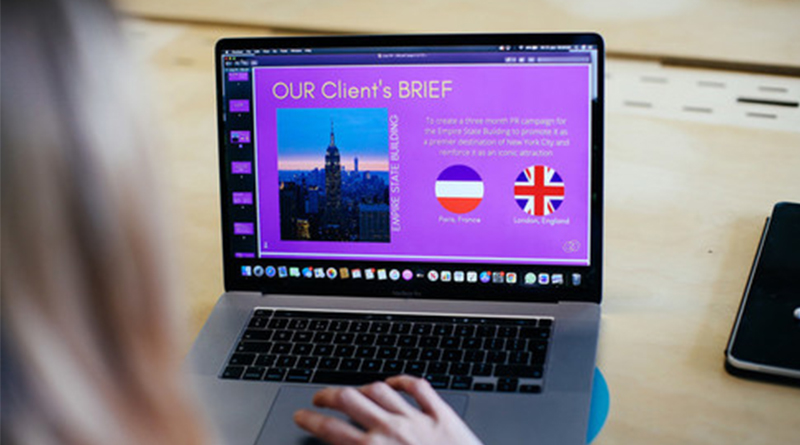
Have you received a ‘help‘ email from a student trying to submit their work online? Here’s how you can help: The Digital Space When to recommend the student contact The Digital Space Is the student having difficulty uploading their work? Does the student need help condensing their file? Did the…
Written by
-
Make Accessibility a Habit: PDF Files
The predominant file type on Moodle is PDF. In 2021, there we as many as 10,821 PDFs on LCC Moodle sites alone, which is roughly equivalent to 16 PDFs per site! Providing we have carried out the accessibility checks and followed good practice with Word documents and Presentation slides layout…
Written by

-
Using Moodle Workshops for peer and self-assessment
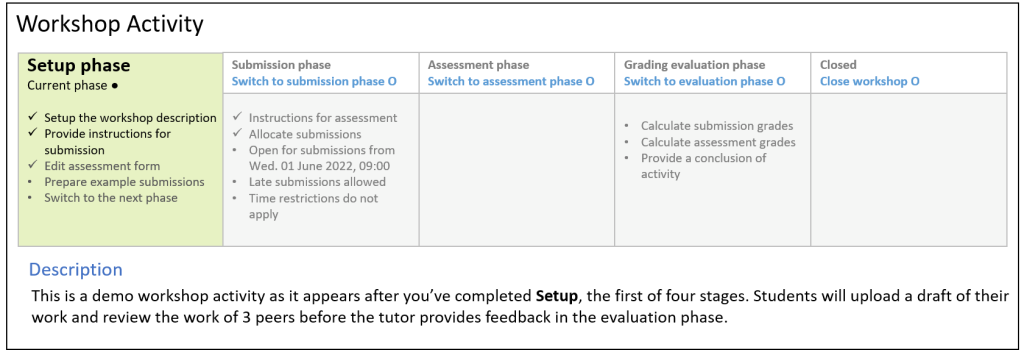
This article introduces the Moodle Workshop, a powerful tool for formative assessment, peer-feedback, and self-evaluation. Many of us are either thinking it or have heard it mentioned before – formative feedback. For those who aren’t familiar, formative feedback is any form of feedback given prior to an assessment which helps…
Written by
-
New Slides on Mentimeter
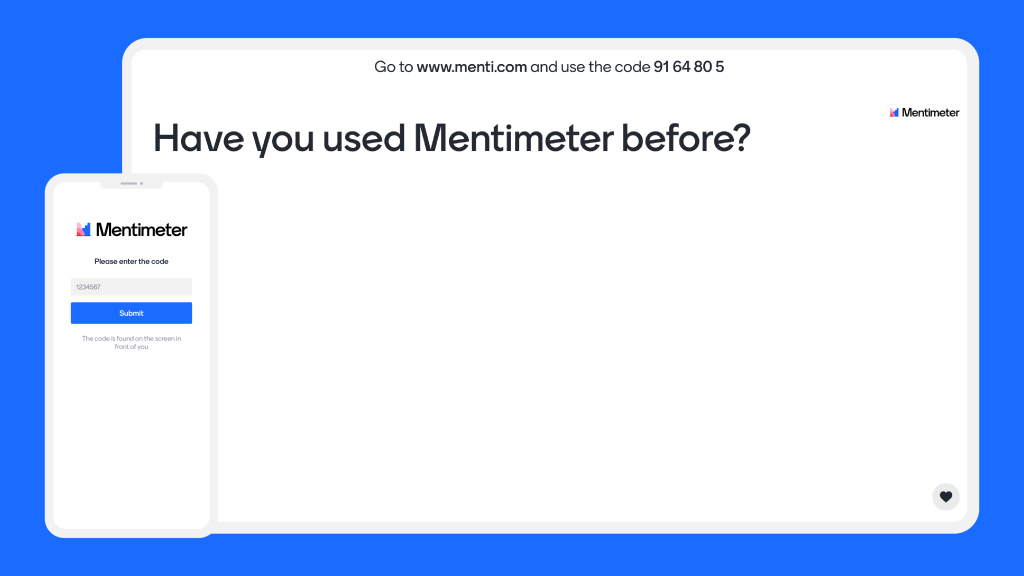
The popular platform of mentimeter have just launched a range of new slide options. Mentimeter is great for making your lectures more interactive. As well as polls, quiz questions, true or false and my personal favourite word cloud; you can now do a wider range of other options. In this…
Written by
-
3 creative ways to use Padlet
Padlet is a highly visual, collaborative tool a lot like a virtual cork board. Users can upload images, audio, and video and create an environment rich with shared resources. It is very useful for both synchronous and asychronous activities which can facilitate online learning. These can strengthen the connections between…
Written by
-
Microsoft Loop in Teams Chat
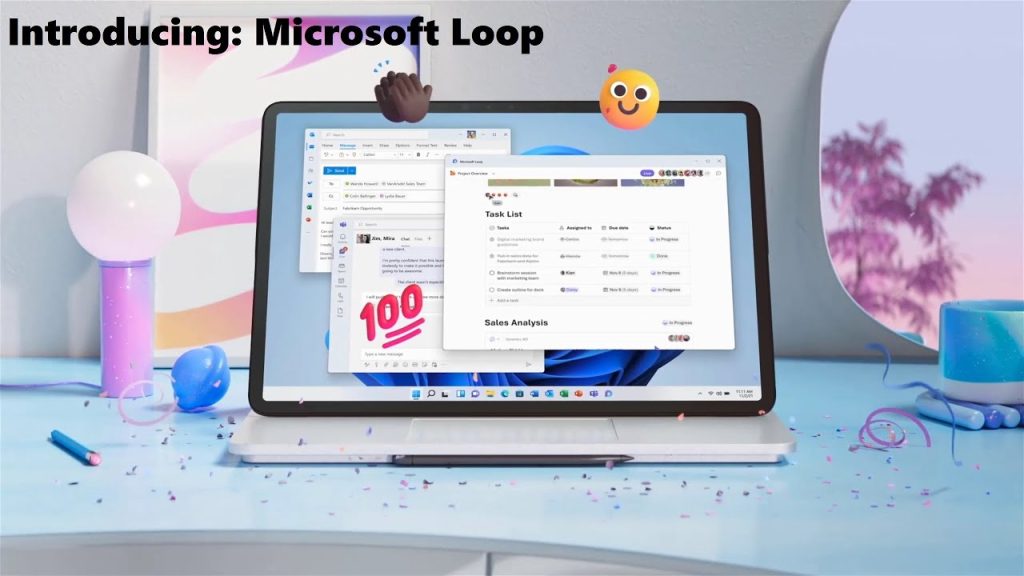
Microsoft loop is a great collaborative tool which has just been rolled out to Teams. It allows users to add a component to a chat which other people can edit and add to. This tool is of particular benefit if you run your tutorial groups or other small group meetings…
Written by
-
Make accessibility a habit: Power Point
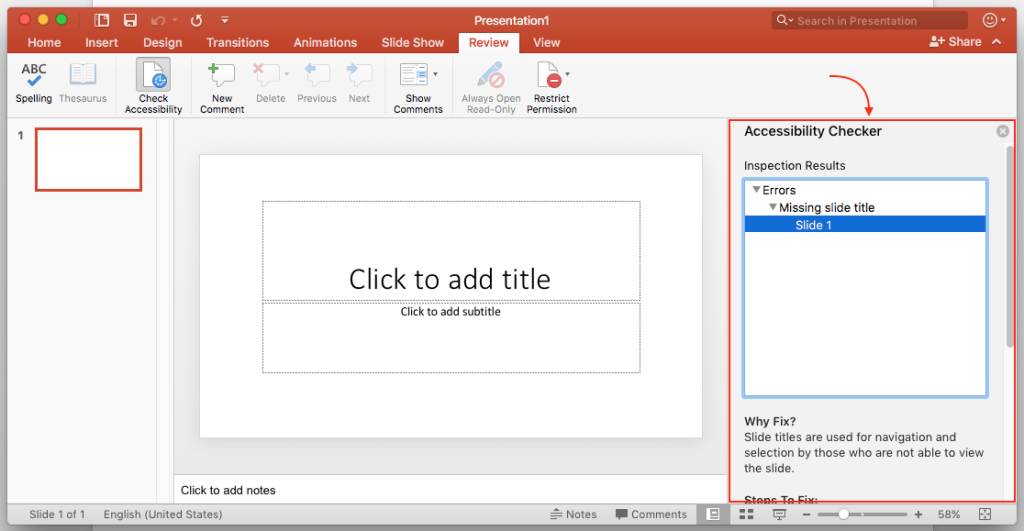
As with word documents you want to make your presentations accessible. If you follow a few simple guideline during the design process your presentations will be easier to read and process for everyone. In this blog post we are going to look at the following; Font Size Contrasting Colours Alternative…
Written by
-
Integrated Dictation Tools
Dictation or speech to text is often a forgotten about tool. If you or your students are visually impaired or you find it useful to verbally express your thoughts or for notetaking, then it’s worth exploring dictation tools. It can also be used for giving formative feedback on word and…
Written by